
Filemanagement (FEATURE)
This page is to store certain documents or images. Once you press the Upload file button, you will get a popup where you can select files. This can be used to upload SVGs, images or other files you might want to use in widgets that support this.
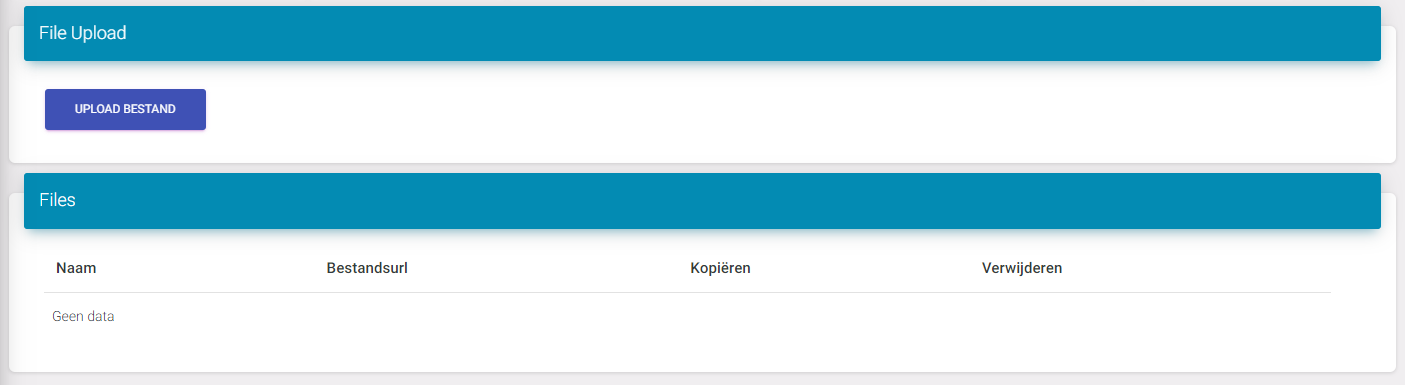
Using Images in the file management
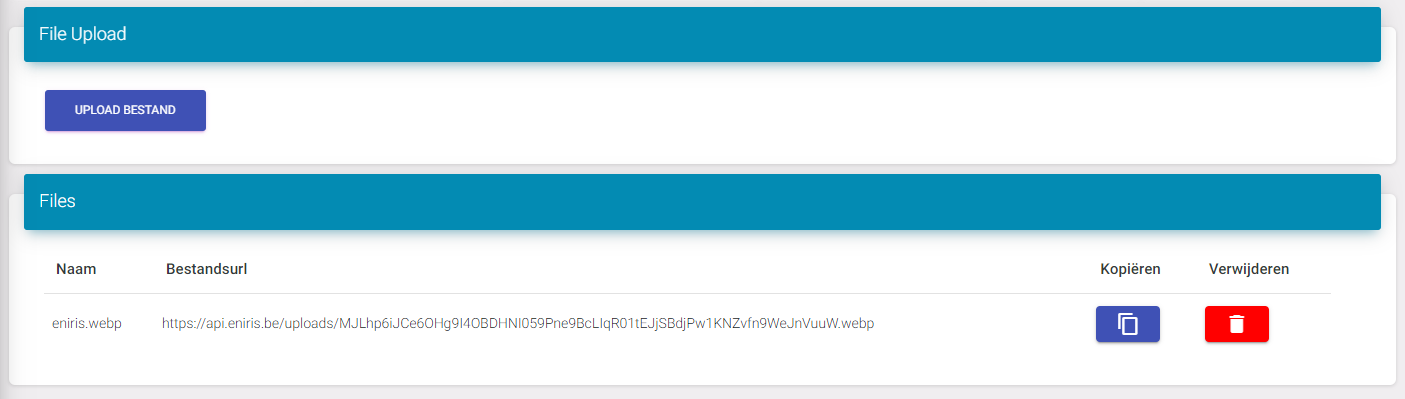
When you upload an image, you will see it appear in the table under the button. Here you have some fields:
Name: name of the original image
FileUrl: This is what you need to copy so you can use it in a widget (SVGs and images).
Copy: This is to simply copy the FileUrl without having to select it.
Delete: This deletes the file out of this list.
Last updated December 10, 2025Edit this page