Link the DemoBrandName ControllerDemoName to your account
-
Log in to the app (smartphone) or DemoInsightsName (computer).
-
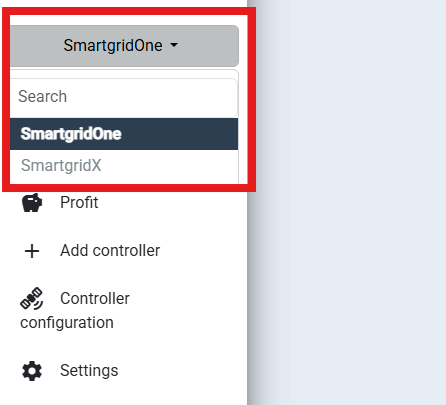
Set the view to 'DemoBrandName'.
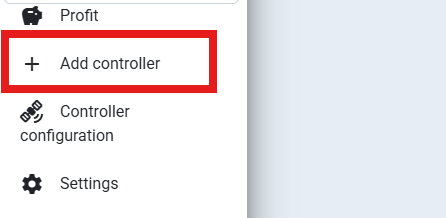
- Click on 'Add controller'.
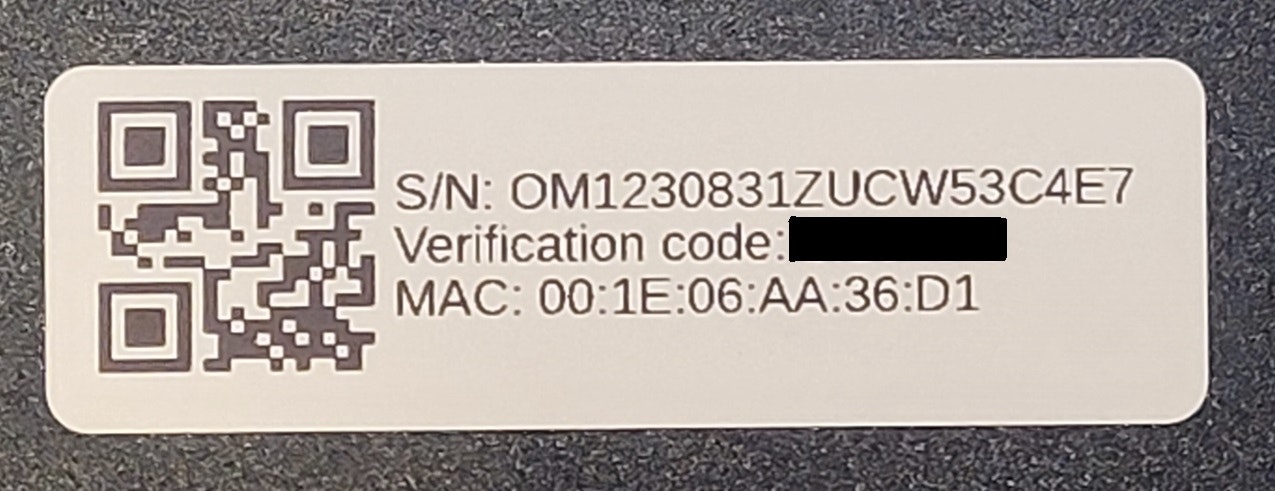
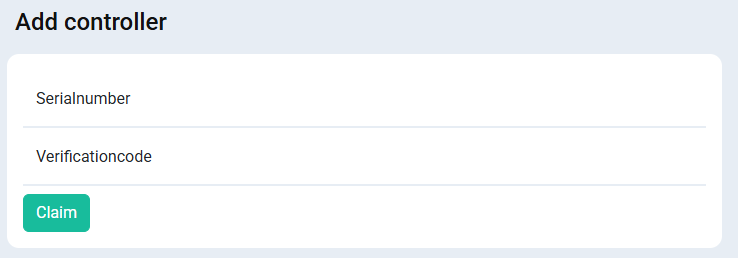
- Fill in the serial number and verification code. You can find these on the label of the DemoBrandName ControllerDemoName. Click 'Claim'.
- The DemoBrandName ControllerDemoName is now linked to your account! You can now access the commissioning interface from the portal, or give access to the end user.