
This is the first step in configuring alarms. Here we will specify what type of alarm and when it is triggered. Also here we can check why it triggered.
This also has a direct link to the Alarms page in the sidebar. This is because these two features are linked to each other.
Deprecated:
- Settings (classic/ contact list): I don't recommend using this. There is a better way to add emails. You can see this on the Alarms manual for the side bar. This will also be linked on this page.
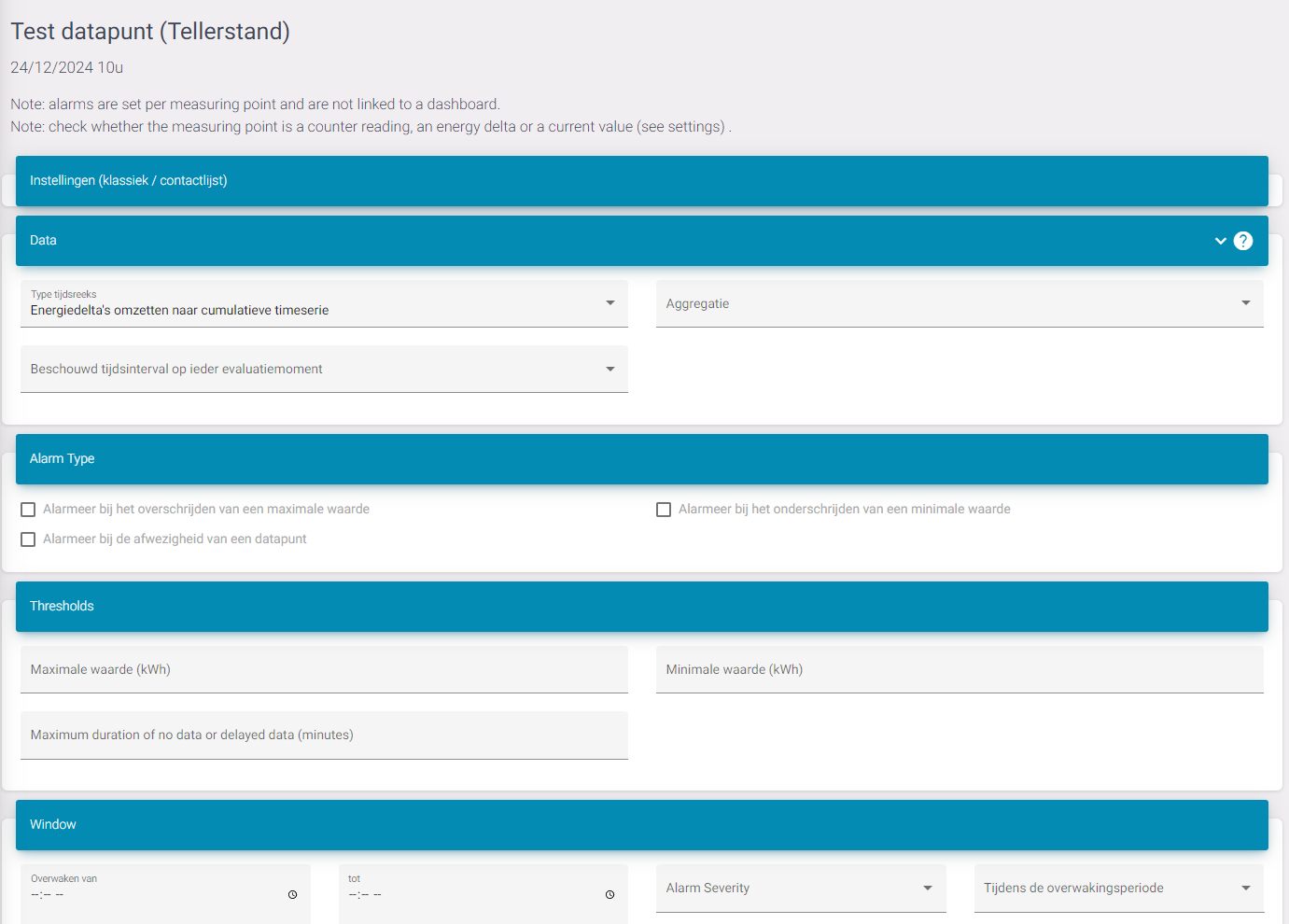
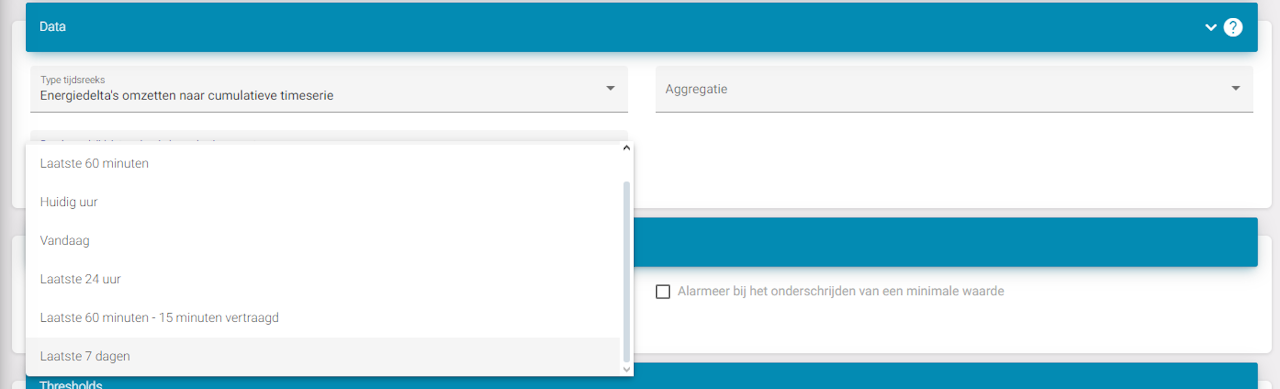
Data
In this part you can say how the data is read, if you want real-time or averages and what interval. For example I want to see if the data has been under a certain threshold for the last 7 days. Then you can select 'Last 7 days' and configure how much the data can be for that period in the next part.
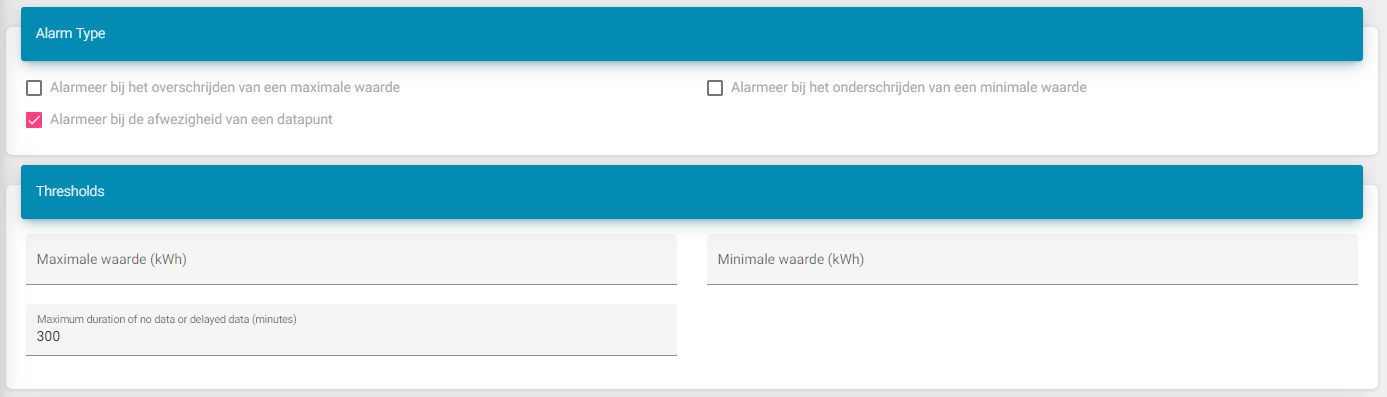
Alarm type + threshold
Here we can set the actual parameters of the alarm. In this case I set up an alarm for when the datapoint is:
-
Offline
-
Doesn't get data for 300 minutes (5 hours)
Window
On this step we can specify when in the day this is going to be active. This is useful for when you have for example:
Solar panels if you want know that they're not producing. But every evening when the sun sets they're going to stop. So you might want to add a window to watch only from 10am - 4pm.
Severity is an informative field.
When adding a time window, it's possible that an alarm keeps getting triggered. You might want to get a reminder every day or maybe you just want 1 alarm.
For this you can use the 'During the guard period'. Selecting 'Keep state' will not send new alarms. Meaning when an alarm is triggered it won't trigger again. If you select 'Reset state', every time the alarm reaches the start of the window it will send a new email.

Guarded datapoints
This table is used to see if the alarm is triggered or not. Since my last value is less then 5 hours ago sent, I will not get an alarm.
