Creating reports
For the first step you want to press 'Add' to create a new report
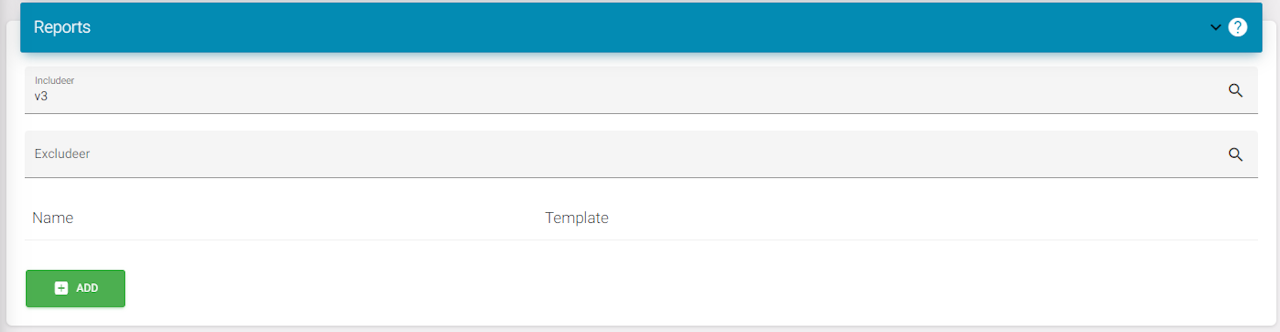
Select what type of report you want to make. In this example I 'am making a month report.
Then you enter a name.
After that select the Admins or any role for what building you want to create this report.
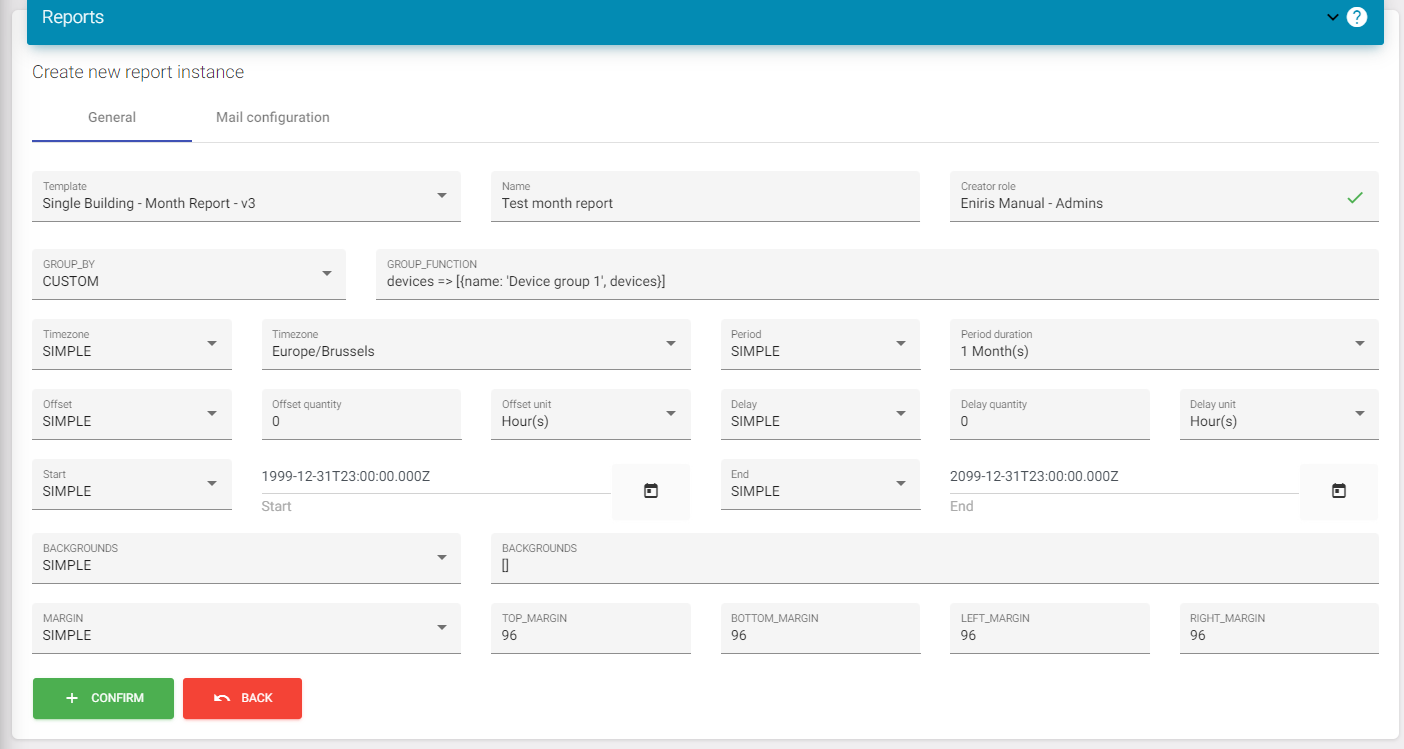
Details in setup for reports
When you get to this page usually you will only need the 3 initial fields. You will normally never need the other fields. If you do we will help you accordingly but this is not important for normal reports.
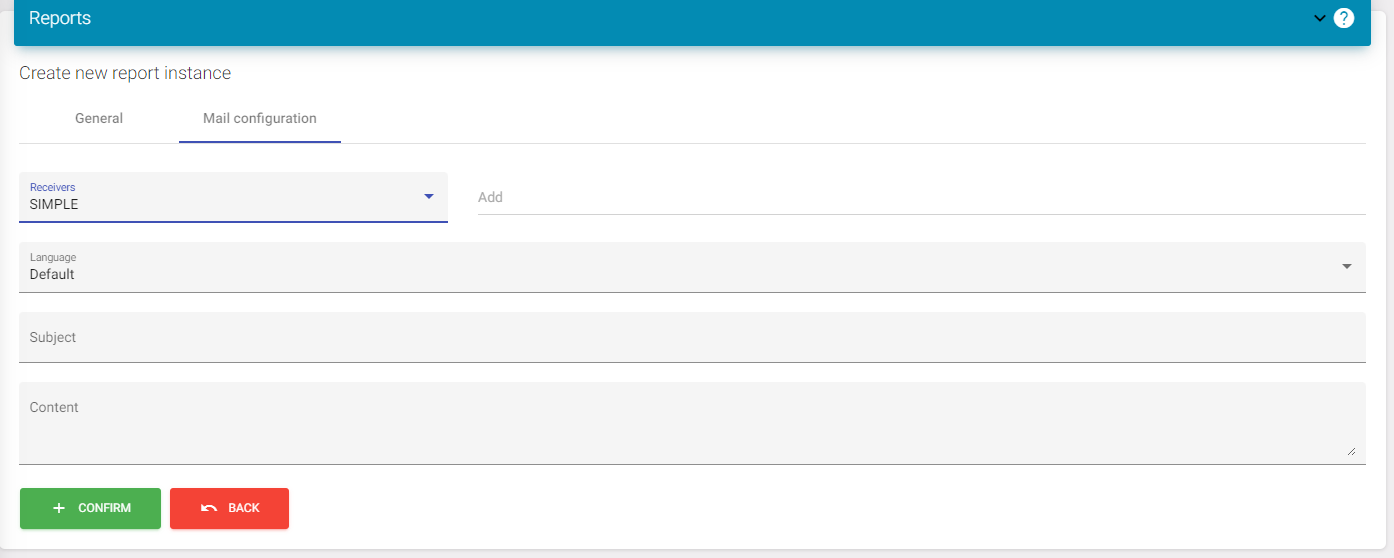
Once your done here, you can click on the top menu to navigate to 'Mail configuration'.
Mail config for reports
On this page you can add emails. This will send the reports automatically depending on what type of report you created.
Ex. Monthly reports are sent monthly.
Optionally you can add a subject and content if you want this. If this is empty you will get a no subject email with the report in pdf as attachment.
When this is done you can click save to add the report.
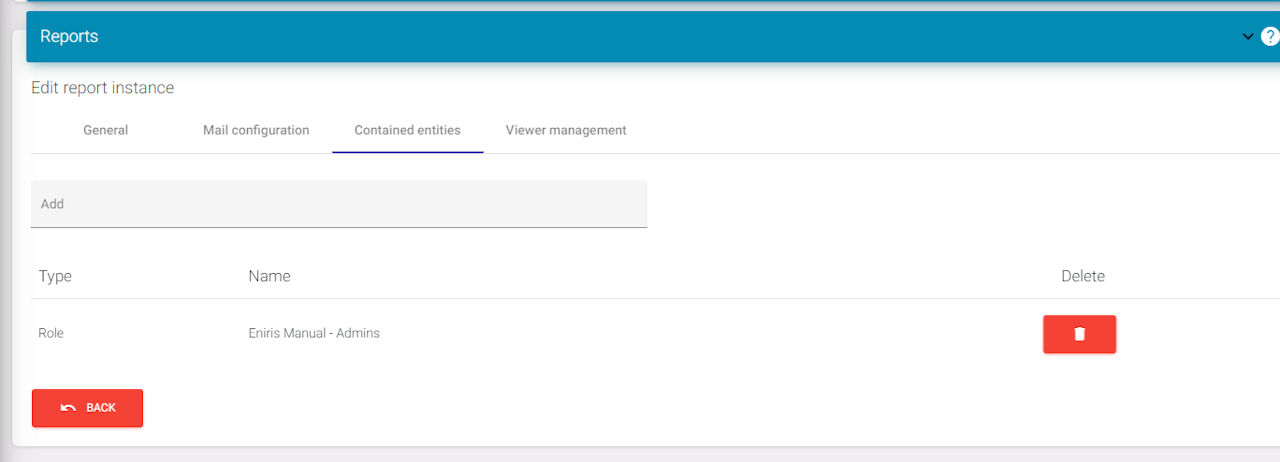
Contained entities
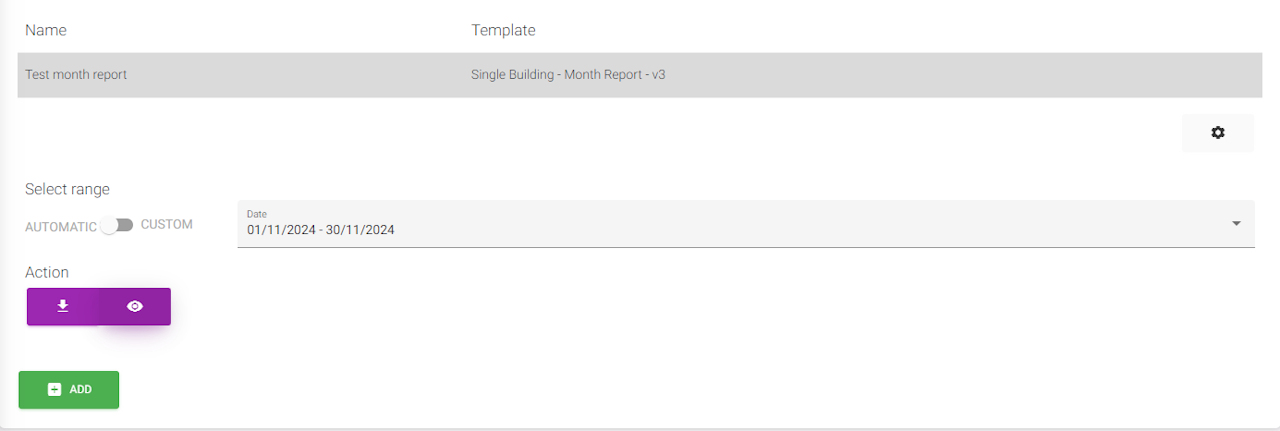
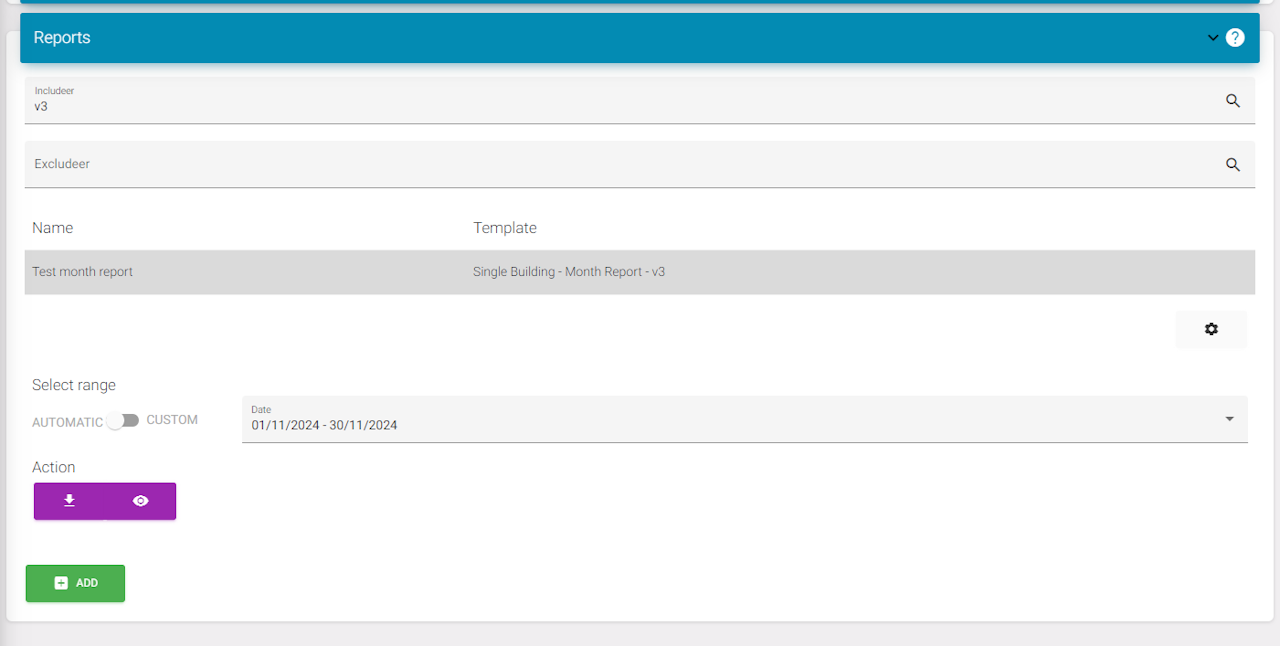
Once you clicked to add the report you will see it appear in the list. If you click on the report and then go to the cogwheel you will see a menu-item called 'contained entities'. If you press this just add the role again of the building you want to create a report for.
If this is done you can go back to the report list.
Opening reports
When all the previous steps are done you can open and view a report using the eye icon. Here you can edit it. Or you can download the report which will download a pdf after some time.