
Link the SmartgridOne Controller to your account
-
Log in to the app (smartphone) or SmartgridX (computer).
-
Set the view to 'SmartgridOne'.
-
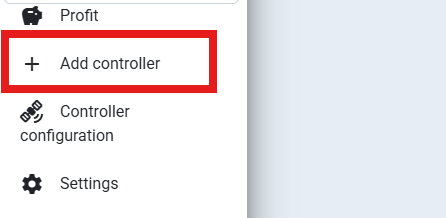
Click on 'Add controller'.
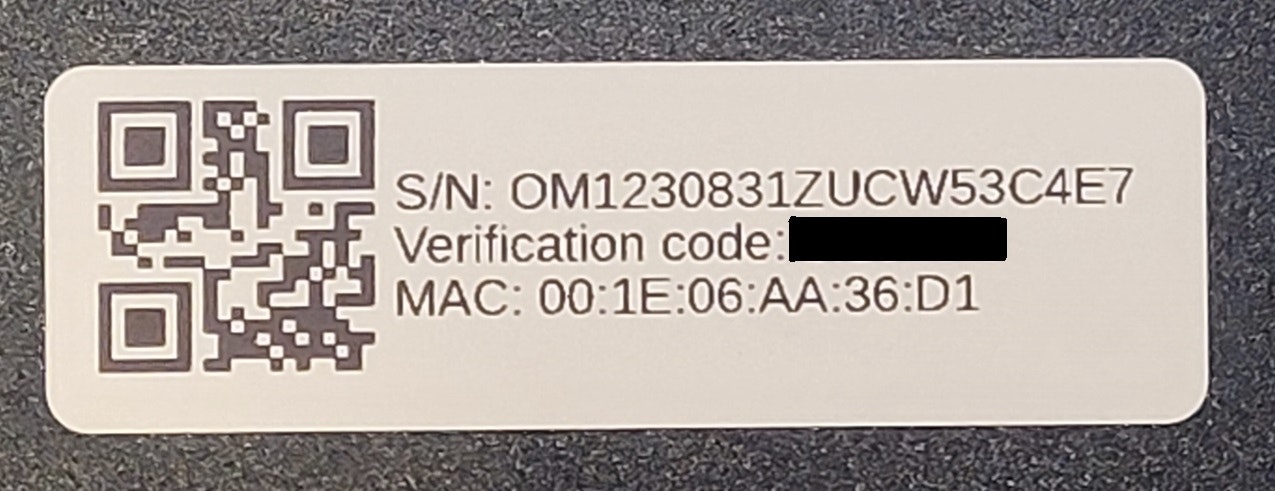
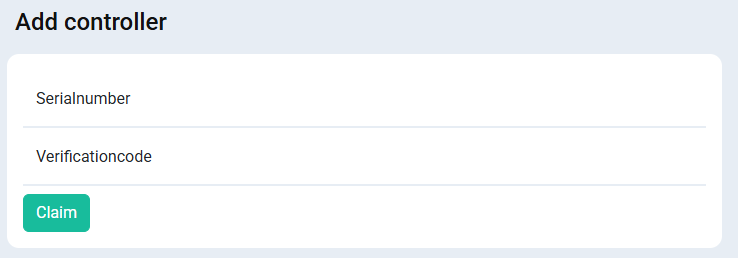
- Fill in the serial number and verification code. You can find these on the label of the SmartgridOne Controller. Click 'Claim'.
- The SmartgridOne Controller is now linked to your account! You can now access the commissioning interface from the portal, or give access to the end user.
Last updated February 16, 2026Edit this page