Learn about configuring alarms to monitor undesirable states in your asset portfolio.
Overview
Alarms define an undesirable state for either all or a subset of the assets in your portfolio. These alarms are displayed throughout the platform: on the alarm page, in various tables, and as alarm cards.
Tip
Watchdogs for Actions An alarm by itself does not trigger an action. To execute actions based on alarm status (active/inactive), you need to set up a watchdog. See for details.
The web portal tooling facilitates configuring alarms which cover a large number of assets, rather than on a per asset basis.
Note
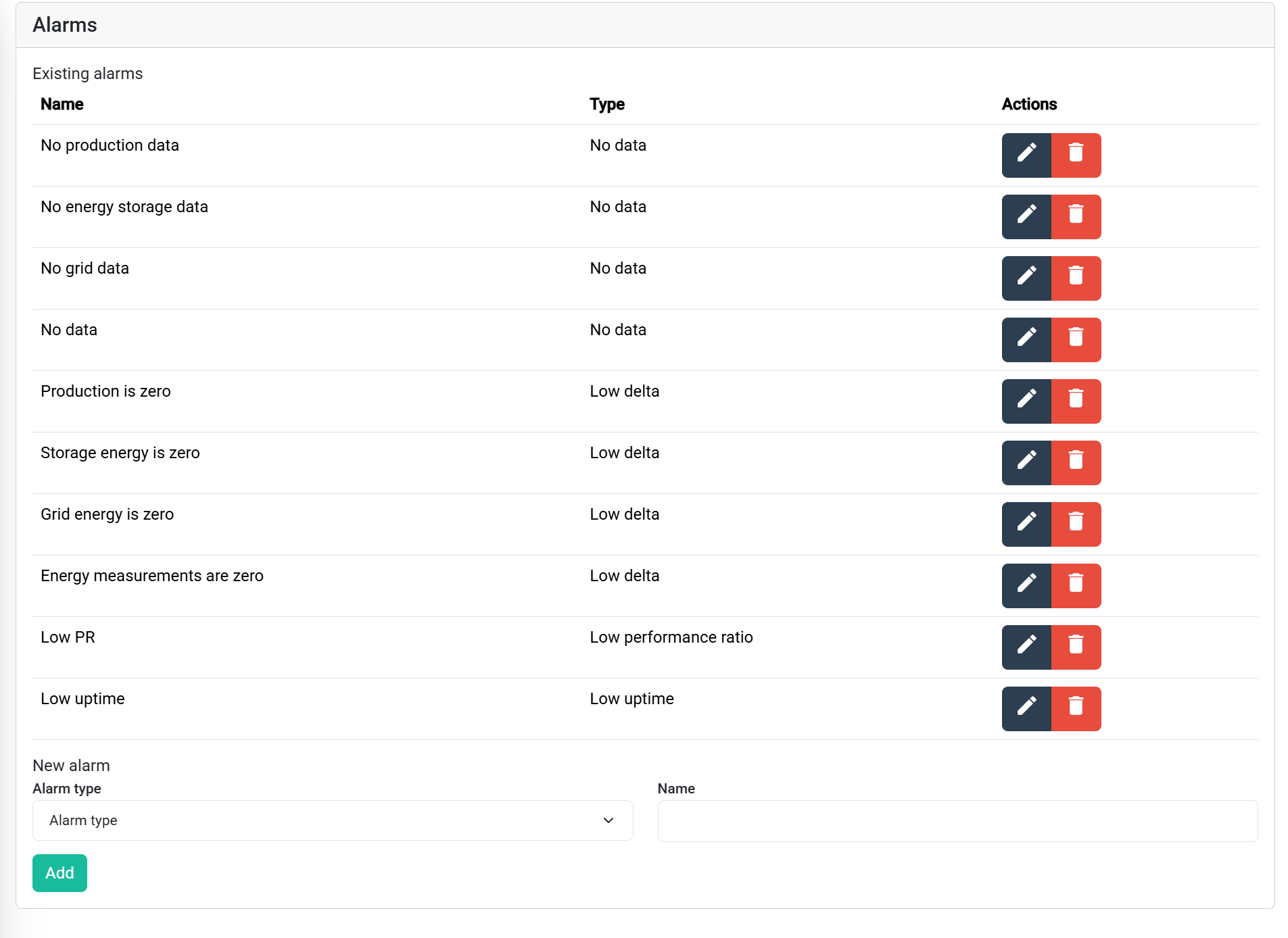
Default Alarms The system comes with preconfigured defaults (). You are free to remove these, edit them, or add new alarms to suit your unique needs.
Supported Alarm Types
The following alarms are currently supported:
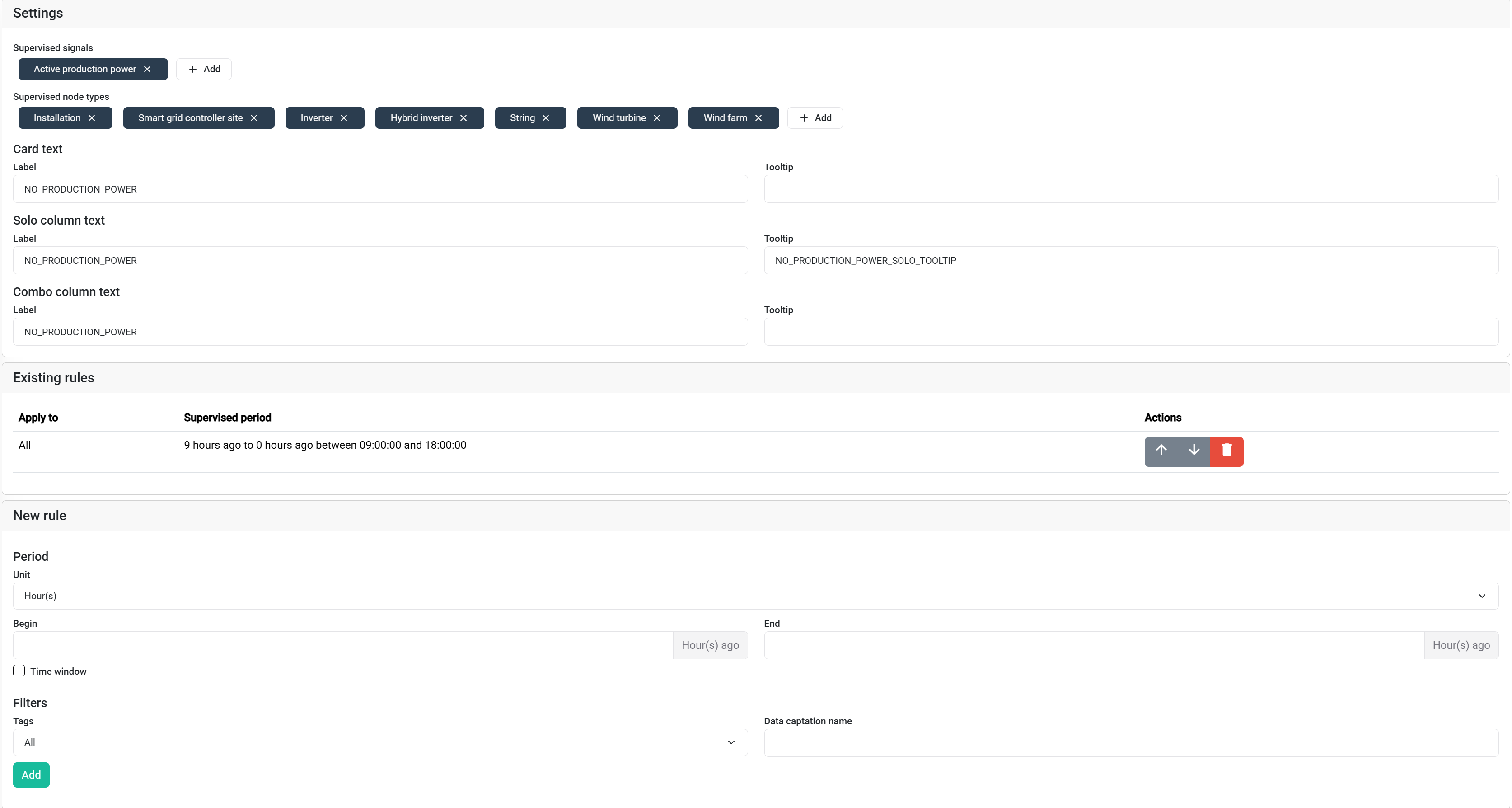
- No data: Triggered when a signal has not received any updates for a defined period.
- Low delta: For counter signals (e.g., energy, gas, water meters). Triggered when the counter’s increase over a period remains below a threshold.
- Low performance ratio: Triggered when the calculated performance ratio (PR) of a production asset remains below a threshold.
- Triggered when the calculated uptime of a production asset remains below a threshold.